Surveys that feel like conversations, now with Action Blocks
At Subo, we believe the best survey is one that doesn’t feel like a survey.
There’s a pattern we’ve seen over and over: an admin spends hours crafting questions, posts the survey… and only gets a few responses. Not because members don’t care. Because a wall of form fields feels like homework, and nobody wants more homework.
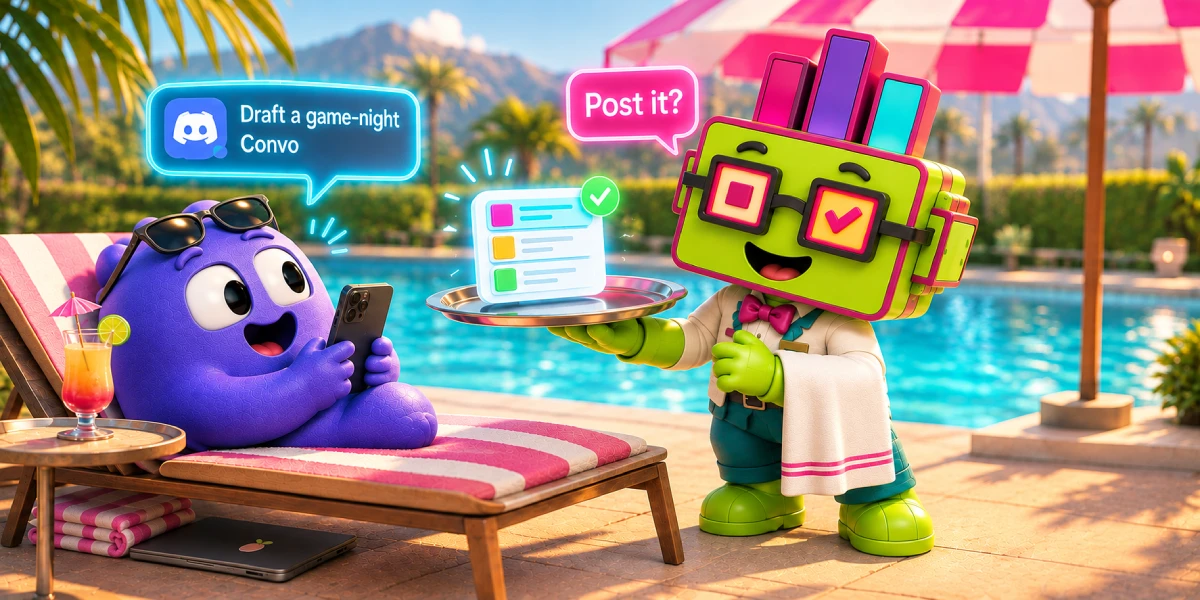
Subo was built to fix that. Instead of dropping a Google Form into a channel, Subo delivers surveys as a natural back-and-forth conversation, inside Discord or on a web link, with your server’s branding, your community’s language, and rewards that mean something to your members.
Today’s release is a big step toward that vision.
Action Blocks
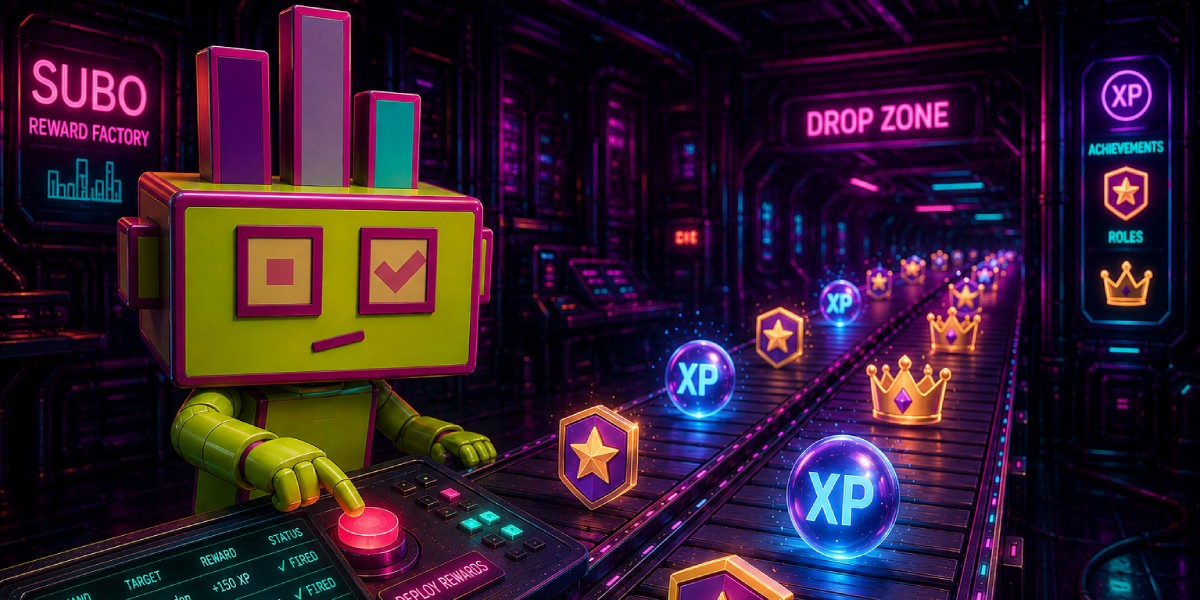
Until now, rewards happened at the end of a survey, for everyone. Action Blocks change that.
Drop a give-xp, give-achievement, or give-role block anywhere in the script. By default, each block fires once per respondent; for retake-eligible surveys, you can set it to once per session instead.
Conditional rewards, actually conditional
Action Blocks support skip logic, so rewards only fire when members answer a specific way. Show or hide the action block using the simple logic interface or use the expression builder for more complex logic.
A few examples where that becomes very handy:
- Use
give-roleto assign personalized server roles the moment a new member completes your onboarding survey - Use
give-xpto reward quiz respondents who get the right answers, rather than everyone who finishes - Use
give-achievementto tag selected beta testers in a recruitment survey, with a linked Discord role attached to access the test
Two action blocks with opposite conditions is the whole trick behind an application funnel: one grants a trial role, the other a waitlist role, and exactly one fires per applicant. The moderator application recipe builds that out, and the templates library has ready-made scripts that already use these blocks.
Block messaging that matches your tone
Like content blocks, Action Blocks show a message and an optional image. You control whether respondents auto-advance after a few seconds or click through (the button label is editable per block): “Got it 👍”, “Claim my XP ⚡”, or just “Continue”, whatever fits the moment.
Intro and Outro, now fully editable
A good conversation starts with a welcome and ends with a close. The Script Editor now loads default intro and outro messages from your server settings automatically, and lets you customize every message per survey. First impressions and last ones, under your control. Of course you can remove the intro if you want.
Surveys that greet your members by name
Every message in a Subo survey (intros, reward notifications, outros) can now reference the person reading it. Simple tokens like [UserName], [ServerName], [CreatedBy], or [InterviewerName] resolve live when each member responds.
The result: a survey that opens with “Hi DemoGorgon83! 👋 I’m Subo, here to help MindFlayer_ with these questions. Ready to start?”, not “Please complete this form.”
That’s the gap we’re closing, one release at a time: between what a survey has always felt like and what a conversation actually feels like.
If you’re building community programs on Discord and want surveys your members actually finish, join our movement! →