Subo Now Has a Public API
When it started, Subo was something you ran inside Discord. You typed a command, a survey appeared, your members answered.
Earlier this year, we launched a web app to make it easier to manage projects and to bring surveys outside of Discord.
Today, community managers are ready for something more. They want tools that handle the operational overhead (moving data between systems, managing survey logistics, organizing responses) so they can focus on what matters: listening to members, building real relationships, and making decisions grounded in what their people actually think.
The best communities are built on human connection. The API is designed to automate the minutia so community managers can focus on that work.
We built the public API to unlock that focus.
What It Is
The Subo API is a REST API at api.subo.ai. It gives you programmatic access to everything that matters in Subo: your communities, members, project (polls and conversational surveys), scripts, responses.
Forty-one endpoints. Ten resource groups. Full OpenAPI 3.1.0 documentation. Webhooks to notify you of key events.
If you’ve used the Subo Discord bot or the web app, the API covers the same surface area, and then some. Everything you can do through the dashboard, you can now do in code.
Getting Your API Key
Keys live in the Subo web app. Go to Account → Community Account → API Access, create a key, and it’s shown once. Copy it somewhere safe, because that’s the only time you’ll see the full value.
There are two key types:
Personal keys act with your own permissions. Good for scripts you run yourself and dashboards you’re maintaining.
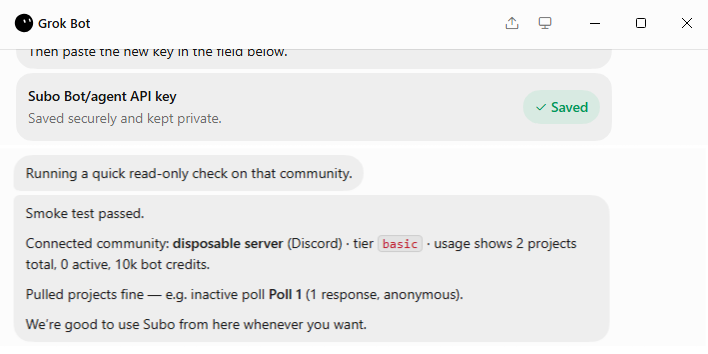
Bot or agent keys are designed for automated processes: a workflow that runs unattended, another Discord bot, an AI agent, an integration that responds to events. They carry a description field so you can document what the key is for, which matters when you’re rotating credentials months later and can’t remember which key was for what.
Both types support two access levels: Admin (full read/write access) and Creator (scoped to projects you own).
The key format is sbo_live_<random>. Pass it in the X-API-Key header. That’s the entire auth story.
What You Can Do With It
Manage projects from anywhere
The full project lifecycle is available through the API: create, read, update, delete, open, close, clone. You can build projects from scratch programmatically: define the script block by block, clone an existing project as a starting point, or provide an objective in natural language and let the AI create the script.
Projects can be open (actively collecting responses) or closed (inactive). The write endpoints on scripts are intentionally gated to inactive projects, so you can’t accidentally rewrite a survey that’s in the middle of fielding.
Read and delete responses
GET /v1/communities/{communityId}/projects/{projectId}/responses returns paginated responses with timestamps, completion status, and per-block answers. Filter, page through, and pull the data into whatever reporting layer you’re building.
If you need to delete responses (for data hygiene, member requests, or testing) there’s an endpoint for that too.
Work with members
The members endpoints let you read member data, look up by Discord platform ID, modify XP balances, and update access levels. If you’re building a reward pipeline that lives outside the Subo dashboard, this is the interface.
Generate surveys with AI
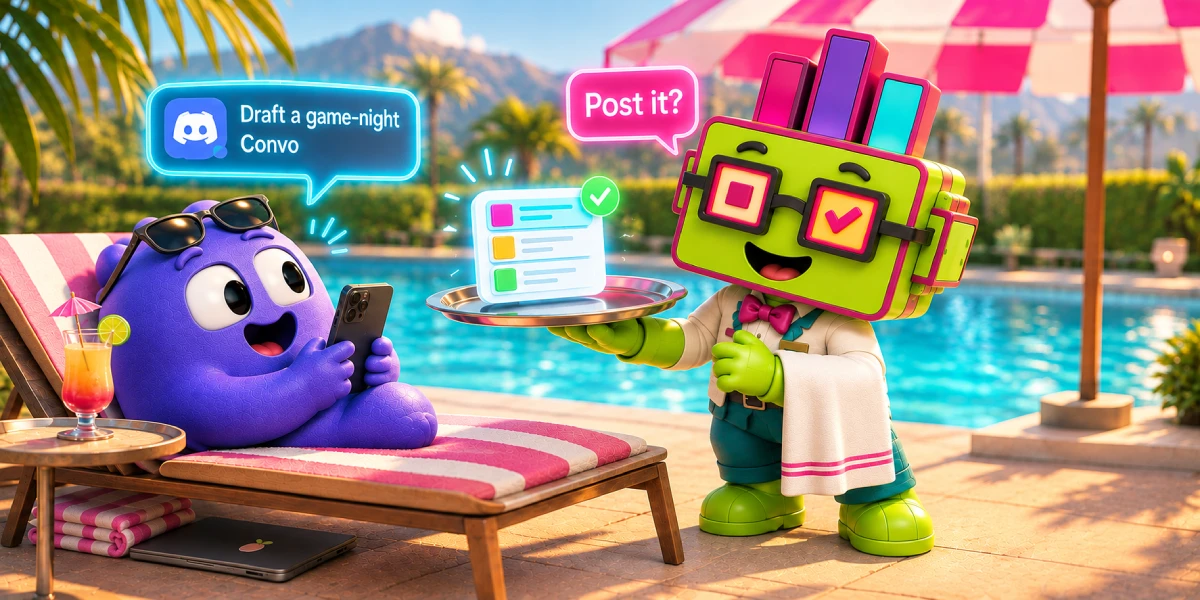
POST /v1/communities/{communityId}/projects/generate takes a plain-language intent (e.g. “post-event feedback for our weekly game night”) and returns a complete draft script: question blocks, answer options, question types. The draft comes back as structured data you can review and modify before creating a project. Nothing gets committed until you say so.
Webhooks for real-time events
This is where things get interesting for automation.
Register a webhook endpoint and choose which events you want to receive: project.created, project.updated, project.deleted, project.status_changed, response.submitted.
Every delivery is signed with HMAC-SHA256 so you can verify it came from Subo. If your endpoint is down or returns an error, Subo retries with exponential backoff: 30 seconds, then 5 minutes, then 30 minutes, then 2 hours, then 8 hours. After five failed attempts the delivery is marked abandoned, but the full delivery history is available so you can see exactly what happened.
The response.submitted event fires when a real participant completes a survey (e.g. submits an application form). The payload includes the community ID, project ID, session number, and timestamp. Enough to trigger whatever comes next in your stack.
Built for Agents Too
We wrote llms.txt into the spec from the start. Point an AI agent at subo.gg/llms.txt and it gets a structured description of the product and the entire API surface: what resources exist, what each endpoint does, what auth it expects.
The Scalar documentation at api.subo.ai/docs is interactive. You can send requests directly from the browser, inspect response shapes, and understand error codes without writing a line of code first.
The OpenAPI 3.1.0 spec is at api.subo.ai/v1/openapi.json. Import it into Postman, Bruno, Insomnia, or generate a typed client in whatever language you’re working in.
Where to Start
The API quickstart on subo.gg is the fastest way in: an authenticated first call, then end-to-end recipes for generating a script with AI, opening a survey to a Discord or web audience, paging through responses, and verifying a webhook signature. For the survey design itself rather than the wiring, the recipes section covers the scoring, skip logic and reward blocks behind each build.
Rate Limits and Plans
The API uses a sliding-window rate limiter, scoped to your key. Limits vary by tier:
| Tier | Requests per minute |
|---|---|
| Basic | 60 |
| Premium | 300 |
| VIP | 600 |
| Custom | 1,000 |
Every response includes X-RateLimit-Limit, X-RateLimit-Remaining, and X-RateLimit-Reset headers. If you exceed the limit, you get a 429 with a Retry-After header.
For operations where you want guaranteed exactly-once semantics, such as creating a project or registering a webhook, pass an Idempotency-Key header. Subo deduplicates on that key for 24 hours. Safe to retry on network failures.
The API is available across all plan tiers, including free. API keys share your account’s credit pool and rate limits. Premium features and certain webhook events are reserved for Premium and higher plans, matching the boundaries of the Discord bot and web app.
What’s Next
If you’re building something with the API and run into gaps, we want to know. The best way to reach us is the support server.
Start with the API quickstart and recipes →
Explore the full API reference →
Subo is a research tool for communities. Run surveys and polls, reward participation with XP, achievements and roles, and understand what your members actually think.