Entry points: One Survey for Your Discord, Twitch and YouTube Audience
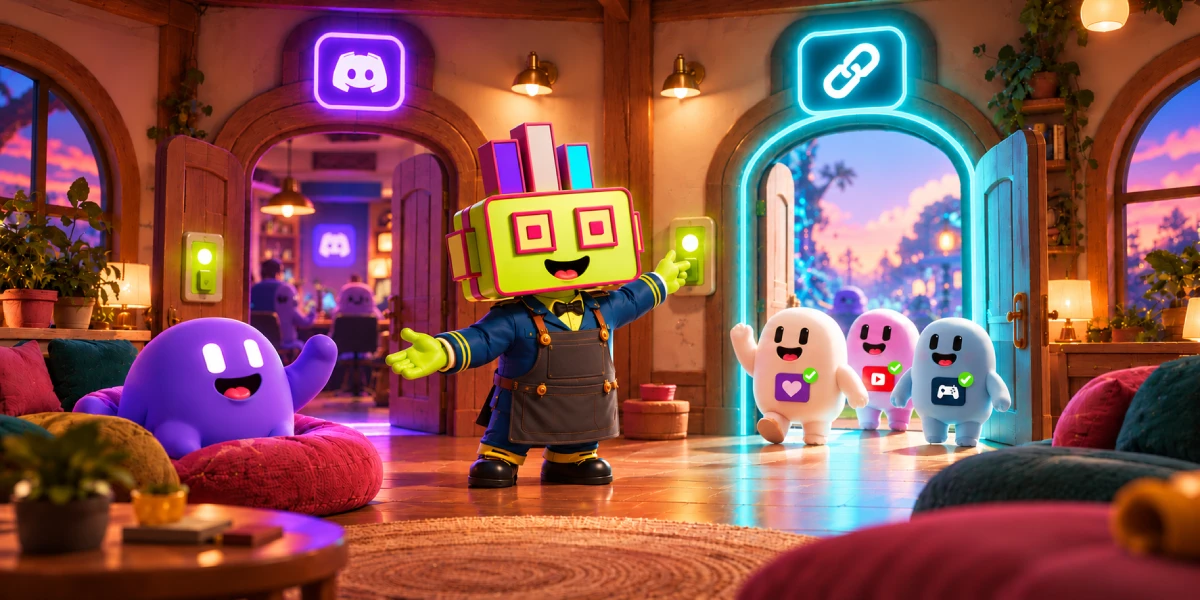
Until now you had to pick a side when creating a Subo Convo. Your members answered in Discord, or they answered on the web, and doing both meant cloning the project and running two copies. Now a project can have multiple entry points at the same time! You can switch each one on independently on the project’s Invite tab:
- Discord post: post an invitation in a channel for your server members (or a subset of it based on their roles);
- Web link: post a link anywhere: email, social media, your website, a Twitch panel;
And now, you can use any of them, or both at the same time. Your Discord members keep answering from the post, the link picks up everyone else, and every response lands in the same project.
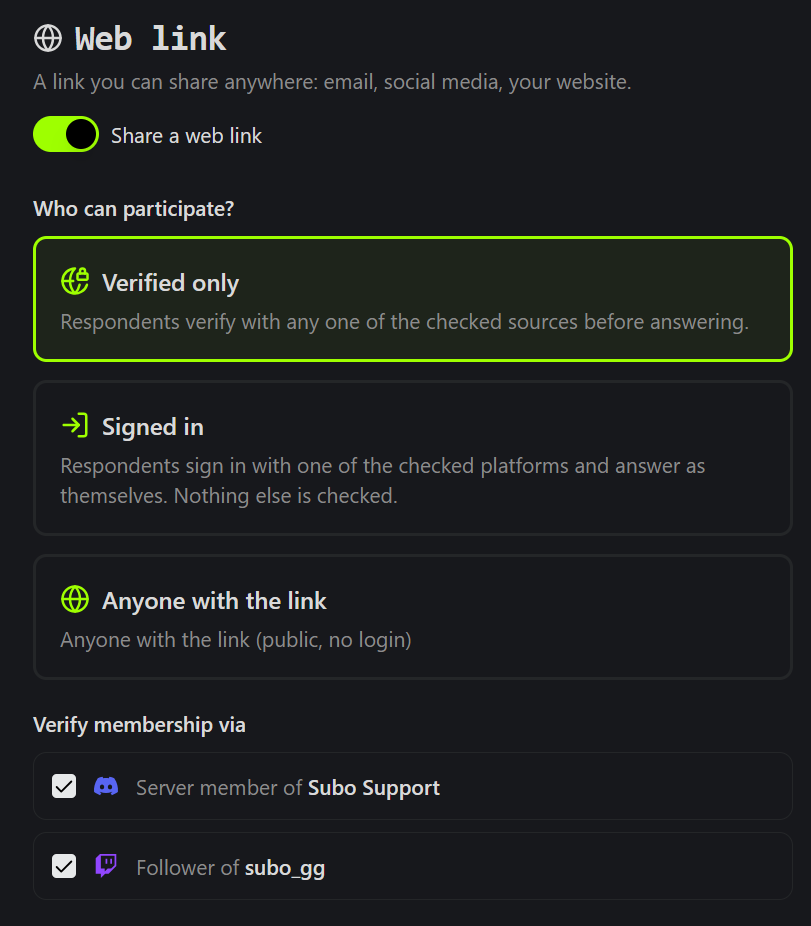
Who the web link lets in
The web link has three settings, and the choice matters more than anything else on the tab.
Anyone with the link. No sign-in, so it suits a public feedback form or a registration form. People already signed in to Subo with Discord are identified (and can be rewarded if rewards are on); everyone else answers unidentified. Or make the project Anonymous and no one is identified.
Signed in (new). Respondents pick an account and answer as themselves, with whichever platforms you tick under Sign in with: Discord, Twitch, Google or Steam. Nothing beyond the sign-in is checked, so there is nothing to connect first. Every response carries a name and a platform. Rewards (XP, roles, accomplishments) go only to people who sign in with Discord, and the Invite tab says so when a project that gives rewards offers more than Discord.
Verified only. Respondents prove they belong before the first question. You tick which of your community’s Audience Sources count, and passing any one of them is enough:
- Discord: a member of your server right now (checked live when they start), holding one of the required roles if the project sets any;
- Twitch: a follower of your channel;
- YouTube: a subscriber to your channel;
- Steam: an owner of your game.
So one link can admit your Discord members and your Twitch followers together, with no second project and no spreadsheets to merge afterward.
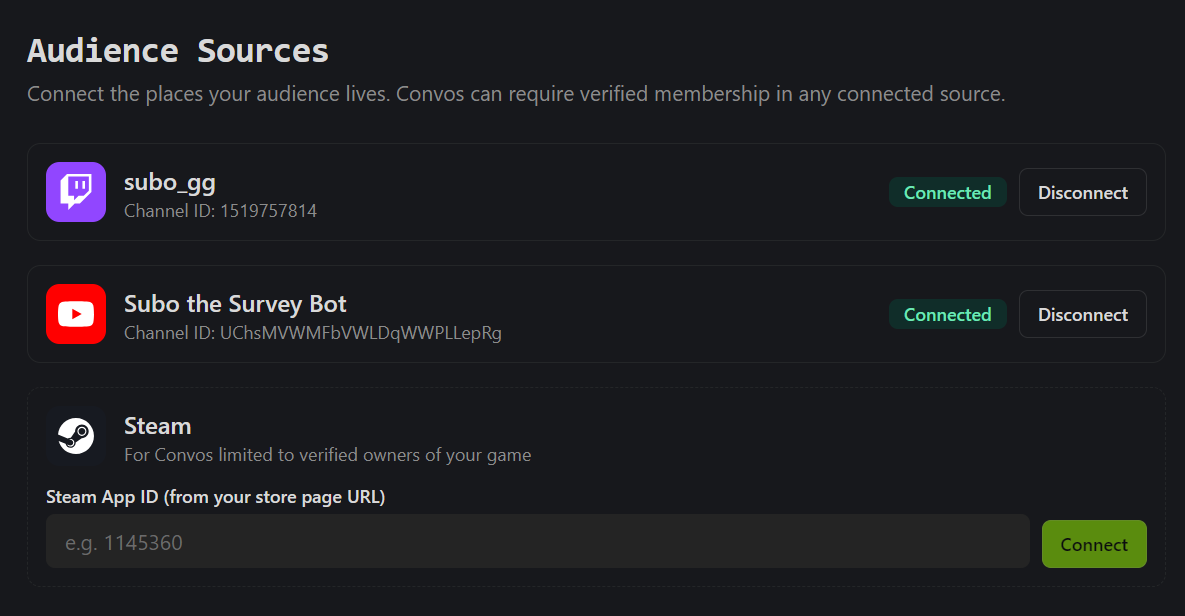
Audience Sources, properly introduced
We never announced it, but verification has been working quietly for a few weeks. Under Settings > Networks > Audience Sources you connect more places where your community lives (beside your Discord). Every Convo can use them from then on:
- Discord is always there. It comes with the bot.
- YouTube: sign in with the Google account that owns your channel. It admits your subscribers.
- Twitch: sign in with your Twitch channel. It admits your followers.
- Steam: enter your game’s Steam App ID, the number in its store page URL. It admits people who own the game.
Want to connect other platforms? Let us know in our Support Server.
A channel can be connected to one community only, and you can disconnect a source at any time.
What respondents see
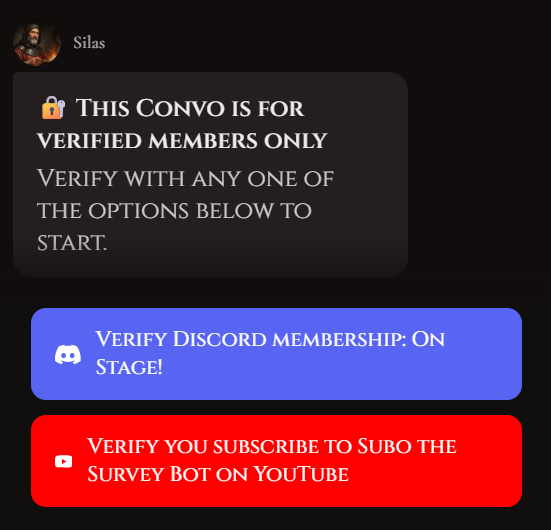
On a Verified only link, the page says “This Convo is for verified members only” and shows one button per source the link accepts, such as “Verify you follow [channel] on Twitch”. A passed check is remembered for 30 days, so someone who comes back for your next Convo is not asked again. If a check fails, they can try another option on the same page. For Steam, their “Game details” must be public while Subo checks; if they are private, the page says so, links to the Steam privacy settings, and reminds them they can make them private again afterward.
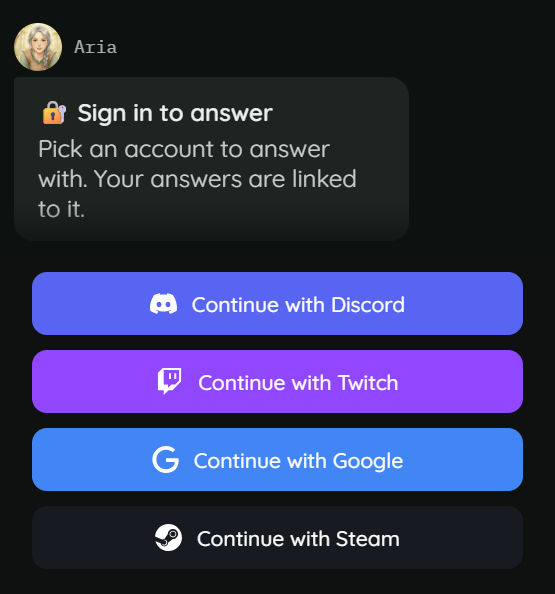
On a Signed in link, the Convo opens with “Sign in to answer” and a button for each platform you offered, from “Continue with Discord” to “Continue with Steam”. Google asks only for a name and an email: it is a Google account, not a YouTube channel.
When a project’s Discord post is answered on the web, pressing the post now replies with a Start button, labeled like the post’s own button, instead of a bare URL. That personal link has to be opened within 15 minutes, and once opened it keeps working for the whole Convo.
Where each response came from
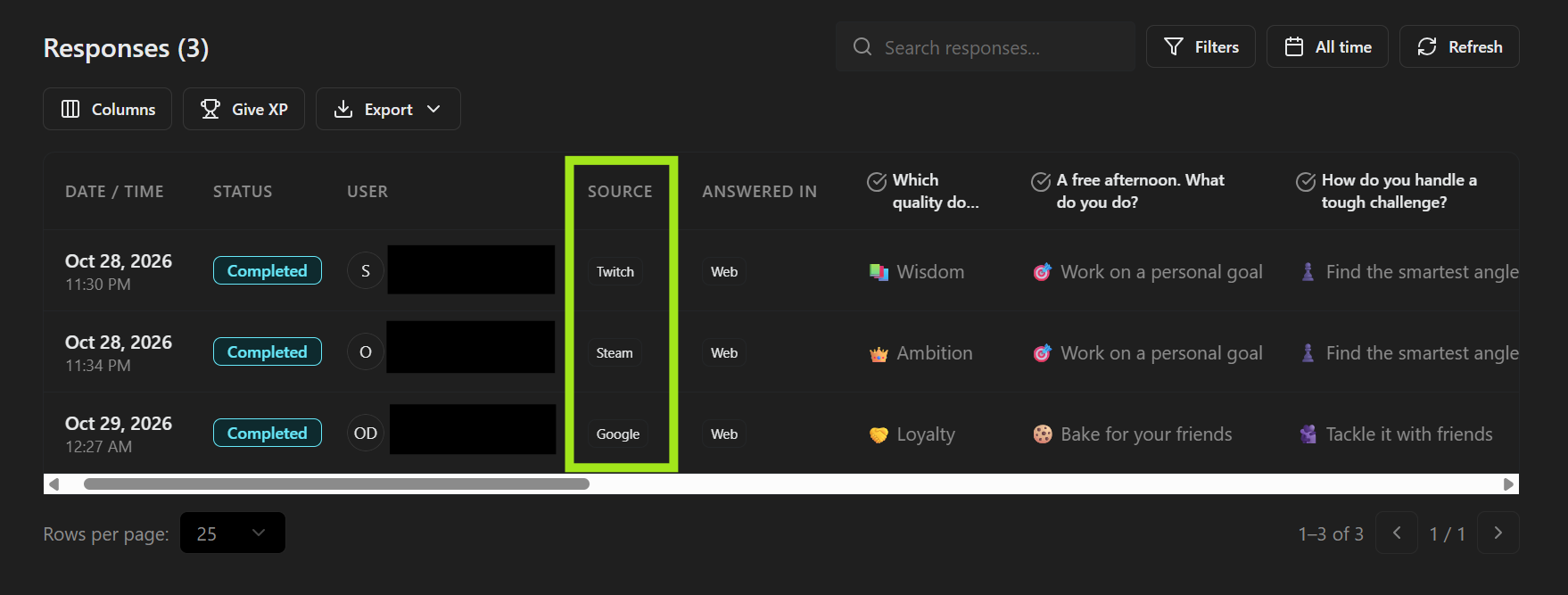
The Responses tab has a Source column with a platform badge (Discord, Twitch, YouTube, Steam or Google), and the same field is in the CSV export and the API. The project list and header show an icon for each entry point, so you can see at a glance which projects have a link and what verifies it. Opening a project shows a summary of how it is set up, entry points included, before you confirm.
From Discord
In Discord, /edit has a Post and web link screen. Choose whether pressing the post answers in Discord or on the web, see the web link’s current rule, and use Open the Invite tab for everything else (you’ll be redirected to the web app). Switching the post on or off, the web link rules and Audience Sources are set in the web app.
For developers
The Public API reads and writes the same entry points through delivery.entry_points, and GET /v1/communities/{communityId}/sources lists your Audience Sources. The older delivery.audience object still works but is deprecated.
Try it
Entry points are available on every plan, Free included. Open any project’s Invite tab in the web app, switch on the web link next to your Discord post, and pick who it lets in. If you are building an application or a sign-up form, the Discord forms guide walks through the rest, and the anonymous surveys guide covers what each privacy mode keeps.
Frequently asked questions
Can I run a survey for my Twitch viewers?
Yes. Connect your Twitch channel under Settings > Networks > Audience Sources, then set the project's web link to Verified only with Twitch ticked. Subo checks that each respondent follows your channel before the first question. If you only need to know who answered, set the link to Signed in and offer Twitch as a sign-in option: nothing is checked beyond the sign-in.
Can one survey run in Discord and on the web at the same time?
Yes. The Discord post and the web link are switched on separately on the project's Invite tab, and a project can have both. Members press the post in your server, everyone else uses the link, and all the responses land in the same project.
Can I limit a survey to my YouTube subscribers?
Yes. Connect your YouTube channel by signing in with the Google account that owns it, then tick it on a Verified only web link. Subo checks subscriptions. Paid channel memberships are not checked.
Do people who sign in with Twitch or Google earn XP and roles?
No. Rewards (XP, roles, achievements) go only to people who sign in with Discord. Everyone else's answers are collected under their name, just not rewarded.
Does this cost extra?
No. Entry points, Audience Sources and verification are on every plan, Free included.