How to Run a Form or Survey in Discord (and Why a Conversation Beats a Form)
You need to collect something from your community. Mod applications. Bug reports. Event sign-ups. A read on what members actually think about the last update. So you do the obvious thing and go looking for a form.
The instinct is right. Collecting structured answers is exactly what you need. The format is where it goes wrong, because a form is built for a website, and your community lives in Discord.
The problem with dropping a form into Discord
A Google Form or a Typeform is a page on another site. To fill one out, a member has to leave the conversation they’re already in, open a new tab, look at a cold grid of fields, and finish it before anything pulls them back to the server. Every one of those steps is a place to give up.
That friction shows up as a completion rate. Many people do not see the link, or don’t remember what it is. Some people start the form, get to question four, and close the tab. You get a trickle of responses and no idea what the people who dropped off would have said. So you post the link again, and your members don’t remember what it is for or if they completed already.
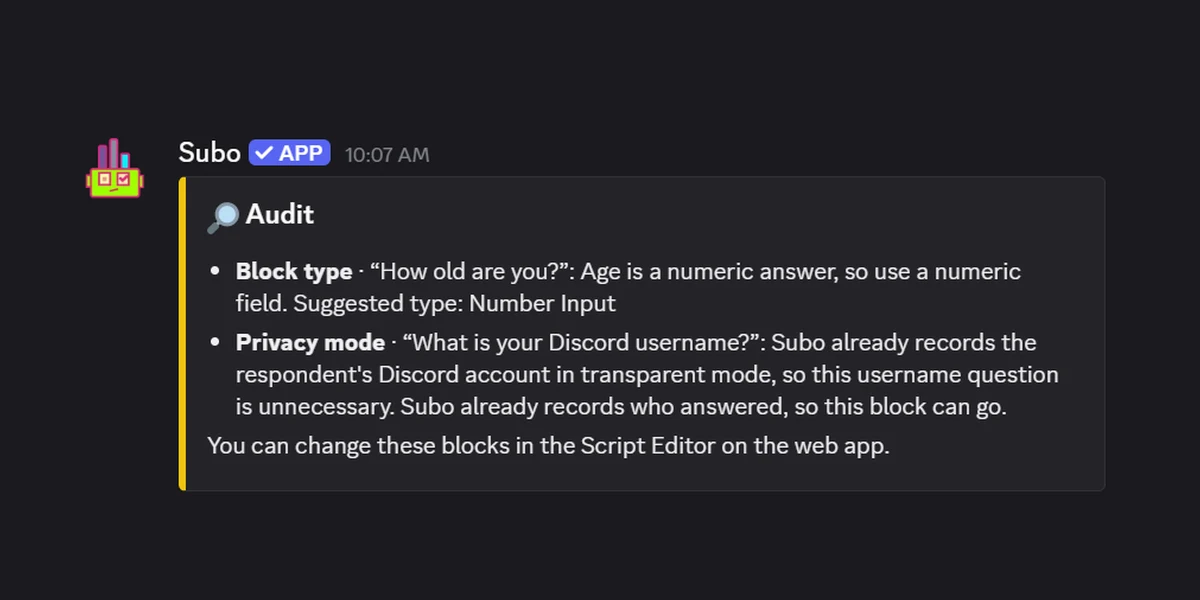
There’s a second cost that matters more in a community than on a corporate website. A form is anonymous in the wrong direction: it doesn’t know who your members are, what roles they hold, or that they’re already logged into the server. You end up asking for a username field so you can match the answer back to a person, which is both clumsy and easy to fake.
What “a conversation” actually means here
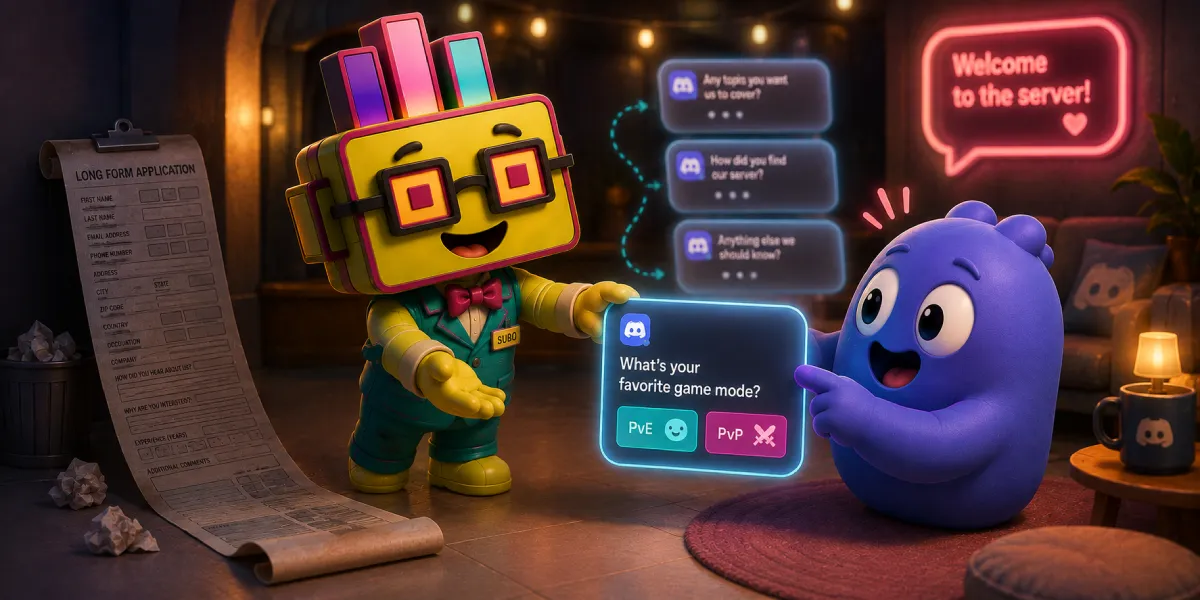
When Subo turns a survey into a conversation, it isn’t a person typing back to your members, and the questions don’t wander off script. It’s a structured conversation: the exact set of questions you’d put on a form, asked one at a time, in a chat, by the bot. Everyone follows the same script. It just doesn’t read like paperwork.
That distinction is the whole point. A form shows all its questions at once and dares you to finish. A structured conversation asks one thing, waits, acknowledges the answer, and moves to the next. If an answer makes a later question irrelevant, skip logic drops it. The member is answering the same questionnaire either way. The experience is closer to a chat with a helpful mod than to filling out a tax document.
You can read the longer version of this argument on the Convos page, including a side-by-side of what forms and structured conversations each do.
Why the format gets more answers
A few things change once the questionnaire runs as a conversation inside Discord:
- Nobody leaves the server. Members answer in a DM with the bot, or in a private thread if their DMs are closed, right where they already are. No new tab, no context switch.
- One question at a time lowers the wall. A five-question form looks like work. Five questions asked one after another feel like a short exchange.
- It knows who’s answering. Because the member is authenticated through Discord, you get their identity and roles for free, without a name field to fill in or fake. It can also use what it knows: greet each person by name, mention the role they’re applying for, and put your community’s own emoji on the buttons.
- You can reward participation. Action blocks can hand out XP, a role, or an achievement as someone answers, so finishing is worth something instead of being a favor to you.
- Honest answers when you need them. For sensitive topics you can run the whole thing in anonymous mode, covered in the guide to anonymous surveys in Discord.
What you can build this way
Most of the “I need a form in Discord” moments fall into a handful of jobs. All of them work as a structured conversation.
Mod and staff applications. This is the big one. Discord is full of servers running open applications, and a whole category of application bots exists to serve it. You don’t need a separate one. Ask about experience, timezone and availability, why they want the role, and a scenario or two to see how they think. An action block can drop them into an “Applicant” role or ping your staff channel the moment they finish, so review starts on its own.
Contact and support intake. A “reach the team” flow where a member picks a category, describes the issue, and it lands in your logs for staff to pick up. Cleaner than a pinned message asking people to DM a mod and hope someone sees it.
Feedback and multi-question surveys. Post-event feedback, a monthly community pulse, a read on a proposed rule change. Open-text answers get summarized by AI so you’re reading a digest instead of scrolling a hundred replies.
Sign-ups and registrations. Events, playtests, giveaways, tournaments. Collect the details you need, gate entry behind a role if you want, and export the list when you’re done.
If you’d rather start from a ready-made structure than a blank one, browse the templates and adapt one. And for the wider “forms, reinvented” version of these jobs, the get things done use cases page walks through more of them.
How to set one up
A few ways to build it, depending on how you like to work:
- Start from a template. Pick a ready-made structure from the template library or the Templates section of the web app, then adapt it to your server instead of starting from a blank page.
- Run
/surveyin your server and add questions one at a time. Open text, numeric, single choice, multiple choice, plus content blocks for context and action blocks for rewards. - Run
/draftand describe what you want to collect. Subo’s AI generates a first draft you can edit, handy when you know what you want to learn but not how to word it. - Build it in the web app, where the same survey lays out on a visual canvas.
Once it’s live, Subo posts an invite in your server. Members click it and answer privately. You get aggregated results, every individual response, and an AI summary of the open-text answers, so you always know what was said without reading each reply by hand.
Discord or the web
A form has two ways in, and you switch each one on separately on the project’s Invite tab. The Discord post is where members of your server start. The web link works anywhere, and you decide who it lets in: anyone with the link (no Discord account needed), anyone who signs in with Discord, Twitch, Google or Steam, or only people verified against your Discord server, Twitch channel, YouTube channel or Steam game. The web link is how you reach people who aren’t in your server yet.
You can run both at once: members answer from the post while the link collects everyone else, and all the responses land in the same project.
The short version
If you’re about to paste a Google Form link into your server, try the structured-conversation version first. Same questions, asked in the place your community already is, with better completion and answers you can actually act on. Start on the Discord forms page, or add Subo to your server and run /survey.
For the two form-shaped jobs people ask about most, there are worked builds: a moderator application that hands out a trial or waitlist role from one gating question, and a playtester signup that splits applicants into a cohort and a waitlist. The bug report and suggestion box templates are the clone-and-go versions.
Weighing it up against the tool you already use? Subo vs Google Forms and Typeform is the honest split, including where the form builders are genuinely better. Pricing covers what the free tier includes.
Frequently asked questions
Can you make a form in Discord?
Yes. You add an app that collects structured answers inside the server, so members never leave Discord to fill anything in. With Subo you run /survey and the questions are asked one at a time in the chat, and the answers come back as structured data you can export or analyse.
Is there a Google Forms for Discord?
You can paste a Google Form link into a channel, but it sends people out of Discord to a separate page, which is where most of the drop-off happens. The closer fit is an app that asks the same questions inside the server as a structured conversation, then hands you the same exportable results.
Can people without a Discord account fill in the form?
Yes, through its web link. The Discord post and the web link are separate ways in, and one project can have both: members answer from the post in your server while the link reaches everyone else. The link can be open to anyone, ask people to sign in, or admit only people verified as your Discord members, Twitch followers, YouTube subscribers or game owners.
What can you use a Discord form for?
The common ones are moderator and staff applications, event sign-ups, bug reports, order or request intake, and feedback on a recent change. Anything where you need the same set of answers from a lot of people rather than a thread full of free-form replies.