 vs Google Forms & Typeform
 Subo vs Google Forms and Typeform: Which One Fits a Discord Community (2026)
Let’s start with the part most comparison posts skip: as form builders, Google Forms and Typeform are better than Subo. They have more question types, more integrations, and years of polish on the form-building experience. If someone tells you otherwise, they are selling something.
The questions worth asking are different ones. Where are the people you want answers from? Do you know who they are? And what happens to the answers afterwards?
What Google Forms and Typeform genuinely do well
Google Forms is free, and it is a real product, not a stripped-down one. You get a wide range of question types, file uploads, response validation, and answers that land straight in a Google Sheet. It also has branching, free, through the “Go to section based on answer” setting, which routes people to different sections depending on what they pick. That is more capability than most people give it credit for.
Typeform earns its reputation on the answering experience. One question at a time, clean design, and a completion rate that beats a wall of fields. Its conditional logic is genuinely good. Worth knowing before you plan around it: logic sits on the paid tiers, and the free tier caps how many responses you can collect per month, so a public Typeform can stop accepting answers sooner than you expect.
Both are the right answer for plenty of jobs. A job application. A customer survey emailed to a list. Anything where the people answering are not sitting in your Discord server.
The gap is the context switch, not the form
Drop a form link into a channel and you have asked a member to do six things: notice the message, care, leave Discord, open a tab, understand a page with no context, and finish. Every step sheds people. What you get back is a trickle of responses and no idea what the people who dropped off would have said.
That is not a knock on the form. The same form emailed to a mailing list would do fine. It is a mismatch between where the tool expects people to be and where your community actually is.
There is a second cost that shows up later. The responses land in a spreadsheet, outside the community. Members answered, and then nothing visible happened. Do that a few times and participation drops, because the last three surveys went into a void.
Everyone who answers is already authenticated
This is the difference that survives every other argument, and it is the one people notice last.
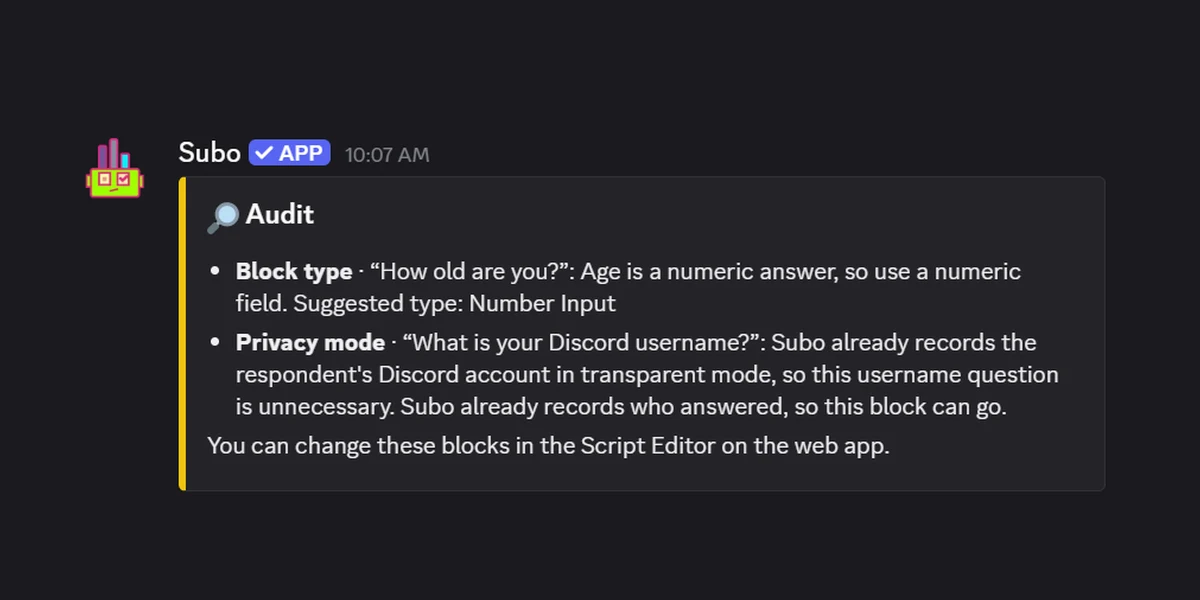
A form link is open to whoever holds it. You do not know that a respondent is a member of your community, you do not know they only answered once, and you cannot tell a member from someone who found the link in a screenshot. The usual patch is a “what’s your Discord username?” field, which gets you a self-reported string with typos in it, no proof of anything, and an evening of matching names against your member list.
Subo never asks, because it already knows. A member clicks the invite in your server and they are authenticated by Discord itself. That gives you three things a form cannot produce:
- Proof of membership. Every response came from someone actually in your community.
- One response per member. Duplicates are blocked at submission.
- Identity with no data entry. In Transparent and Semi-Private modes the Discord name and ID are attached correctly, with no typos, no impersonation, and no matching exercise.
The part worth sitting with: this still holds when the survey is anonymous. Authentication and identification are separate things. In Anonymous mode Subo verifies that each respondent is a distinct, real member, then deliberately throws away the link between them and their answers. So you get a result you can trust, from a group you can vouch for, where nobody (including you) can see who said what. A public form link gives you the opposite trade: to get anonymity you give up any guarantee about who answered.
That is also what makes results safe to publish. You can post the totals back to the channel as a community moment, because “62% of the server thinks X” is a claim your members can believe. Post the results of an open form link and the first reply is someone asking whether it got brigaded.
It extends past Discord, too. A survey running in web mode can sit behind a verification gate before the first question: verify Discord membership, verify you own a specific game on Steam, verify you follow a Twitch channel, or verify you subscribe to a YouTube channel. Which means a web survey can reach people who are not in your Discord server and still only collect answers from a community you can define. Steam and YouTube and Twitch sources are connected from the dashboard.
What else being inside Discord changes
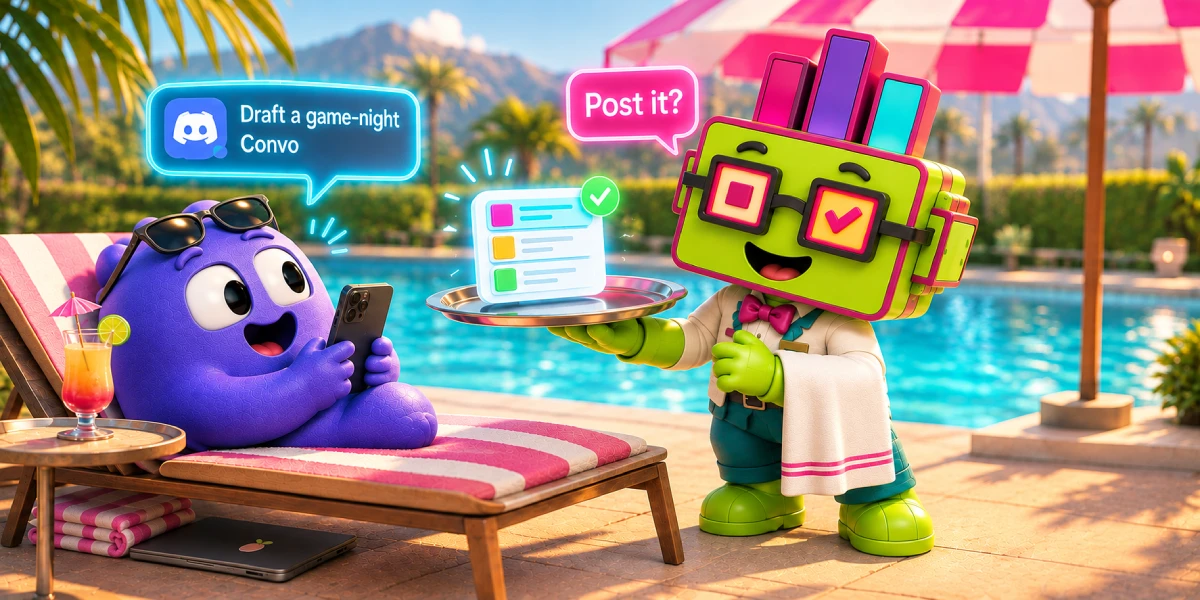
Subo asks the questions in Discord. It posts an invite in a channel, and members answer privately from there, one question at a time, in the app they already have open. No tab, no link to lose.
That location gives you things a web form structurally cannot do, because they depend on knowing who someone is in your server:
- Roles and XP as the incentive. You can award XP for completing a survey and grant a Discord role on completion, which gives you a reward that costs nothing and means something inside your community. This is where the gift-card problem goes away: you are paying in status, not money, and status is what people are in a community for. XP works on every plan; custom XP naming and per-survey role rewards are Premium features, as is the monthly leaderboard.
- Role-based targeting. Ask only the members who hold a specific role. A web form is open to whoever has the link.
- Three privacy modes, anonymous by default. Transparent, Semi-Private, and Anonymous, set per project. New servers default to Anonymous, so honest answers are the starting point. The anonymous surveys guide covers when to use which.
- A role granted from the answer itself. With action blocks, picking an option can assign a role, which turns a survey into onboarding, opt-in routing, or an application funnel.
- Scoring. Mark correct answers and the survey becomes a quiz or a prediction contest with a leaderboard.
- Results back into the server. Post aggregate results to a channel so members see what the community thinks. The survey becomes a community moment instead of an extraction.
Beyond the Discord-specific parts, the pieces you would expect are there: skip logic (simple on all plans, advanced custom logic on VIP), AI summaries of open-ended answers, a template library, scheduling and recurring surveys, a web app for building and analysis, and a public API.
Where Subo is behind, and where it just disagrees
Two different things get lumped together here, so it is worth separating them.
The genuine gap: question types. Subo publicly supports five today, which is fewer than Google Forms: open text, numeric, yes/no, single choice, and multiple choice. If you need a file upload right now, Subo will not do it. This is the part that is actively closing, with new block and question types shipping steadily, so treat any specific gap as a snapshot rather than a verdict.
The part that is a choice, not a gap: matrix questions. Subo does not have grid or matrix questions because they are a bad experience for the person answering, especially on a phone. A ten-row grid of radio buttons is how you get people abandoning halfway or clicking straight down one column to be done. Asking those rows as separate questions in a conversation gets you better data. If you specifically need a matrix because your analysis expects one, that is a real reason to use a different tool. It is not a feature Subo forgot.
The real constraint today is on your side, not your respondents’. Building a survey means having a Discord account and server, because creator and admin onboarding is Discord-gated for now. Respondents are not: a web-mode survey can be answered by anyone, with or without Discord. So if you are running a community somewhere other than Discord and want to build from there, that is the thing Subo does not do yet.
Comparison
| Google Forms | Typeform | Subo | |
|---|---|---|---|
| Cost to start | Free | Free tier, capped responses/month | Free tier |
| Design customization / embedding | Basic | Strong | In-Discord, or hosted web link |
| Asked inside Discord | No | No | Yes |
| Web link option | Yes | Yes | Yes (web mode) |
| Respondents authenticated | No | No | Yes, by the platform |
| Proof the respondent is a member | No | No | Yes |
| Verified even when anonymous | No | No | Yes |
| One response per member enforced | Sign-in required | Limited | Yes |
| Gate by Steam / Twitch / YouTube | No | No | Yes (web mode) |
| Question types | Many | Many | 5, expanding |
| Branching / skip logic | Yes (choice + dropdown) | Yes (paid tiers) | Yes (advanced on VIP) |
| Anonymous responses | Yes (don’t collect emails) | Yes | Yes, 3 modes, anonymous by default |
| Target by Discord role | No | No | Yes |
| XP or role reward for completing | No | No | Yes |
| Grant a role from the answer | No | No | Yes (action blocks) |
| Scoring / quizzes | Quiz mode | No | Yes |
| AI summary of open answers | No | No | Yes |
| Results posted back to Discord | No | No | Yes |
| Recurring / scheduled | No | No | Yes |
How to choose
These three are not interchangeable, and the two form builders are not equivalent to each other either.
Use Google Forms for the internal, functional, no-budget job. Collecting availability from six people, a quick signup sheet, anything where nobody cares how it looks. It is free, it is quick, and the answers land in a Sheet. It is the least sophisticated of the three, and for these jobs that does not matter.
Use Typeform for anything public-facing with your brand on it. This is where it clearly beats Google Forms rather than merely costing more: real design customization, embedding the form directly in your own site, and integrations into the rest of your stack. If the form is a page on your marketing site, Typeform is the right tool and Google Forms is the visibly cheap one. Budget for a paid plan, because that is where the logic lives.
Use Subo when the people answering are your community. You get authenticated responses you can trust, the questions asked where members already are, and answers that do something afterwards: reward participation, hand out a role, feed a leaderboard, or come back to the channel as a result everyone can see.
Plenty of communities end up running two of these, which is a sensible outcome rather than a failure to commit. Typeform for the public form on the website, Subo for everything asked of members.
If you are about to paste a form link into your server, it is worth trying the in-Discord version first. Start on the Discord forms page, read how to run a form in Discord, or add Subo and run /survey.
Frequently asked questions
Can you use Google Forms in Discord?
Yes, you can paste a Google Form link into a channel and it works. The friction is that members have to leave Discord, open a browser tab, and finish the form before anything pulls them back. That context switch is where most of the drop-off happens, not the form itself.
What is the best Google Forms alternative for Discord?
If you want the questions asked inside Discord, with role and XP rewards and results you can post back to the server, use a Discord-native tool like Subo. We build Subo, so weigh that accordingly. If you need a long form with many question types, or you are collecting from people who are not in your server, Google Forms is still the better tool.
Does Google Forms have skip logic?
Yes, and it is free. The feature is called "Go to section based on answer" and it routes people to different sections of the form. The limitation is that it only works with multiple choice and dropdown questions.
Is Typeform's conditional logic free?
No. Typeform lists logic as a paid feature, and its free tier is capped to a limited number of responses per month. If branching is the reason you were considering Typeform, budget for a paid plan.
Can Subo collect responses from people outside Discord?
Yes. A survey runs either in Discord mode or in web mode. In web mode it lives at a link you can open to anyone with no Discord account required, or restrict to your members. It is one mode or the other, so you clone a survey to make a web version of it.
How do you make sure only real community members answer a survey?
In Discord, members are authenticated by Discord when they click the invite, so every response is provably from a member and duplicates are blocked. A web-mode survey can sit behind a verification gate instead: verify Discord membership, Steam ownership of a specific game, a Twitch follow, or a YouTube subscription before the first question.
Can a survey be anonymous and still verified?
Yes, and this is the part a form link cannot do. Authentication and identification are separate. Subo verifies that each respondent is a distinct real member, then discards the link between them and their answers. You get results you can vouch for without anyone, including you, being able to see who said what.
Do I need a Discord server to use Subo?
To build surveys, yes for now: creator and admin onboarding is Discord-gated. To answer one, no. A web-mode survey can be answered by anyone, with or without a Discord account.