Polls, upgraded: scoring, conditional rewards, and a custom invitation worth answering
In the last release we brought scoring, quizzes, and dynamic/conditional rewards to surveys, and said polls were next.
This release makes good on that and goes further, because a poll isn’t just a short survey. It’s the thing your community sees most, so it should be the easiest to make smart, rewarding, and unmistakably yours.
Polls can grade and reward now
Everything that made survey quizzes work now works in a poll:
- Correct answers, marked with a ✓ in the poll once closed, in
/results, and on the result cards. - Per-option scoring: give each option its own points and pipe the result with
[score].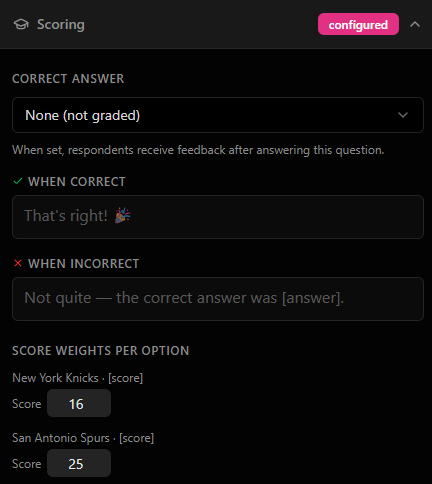
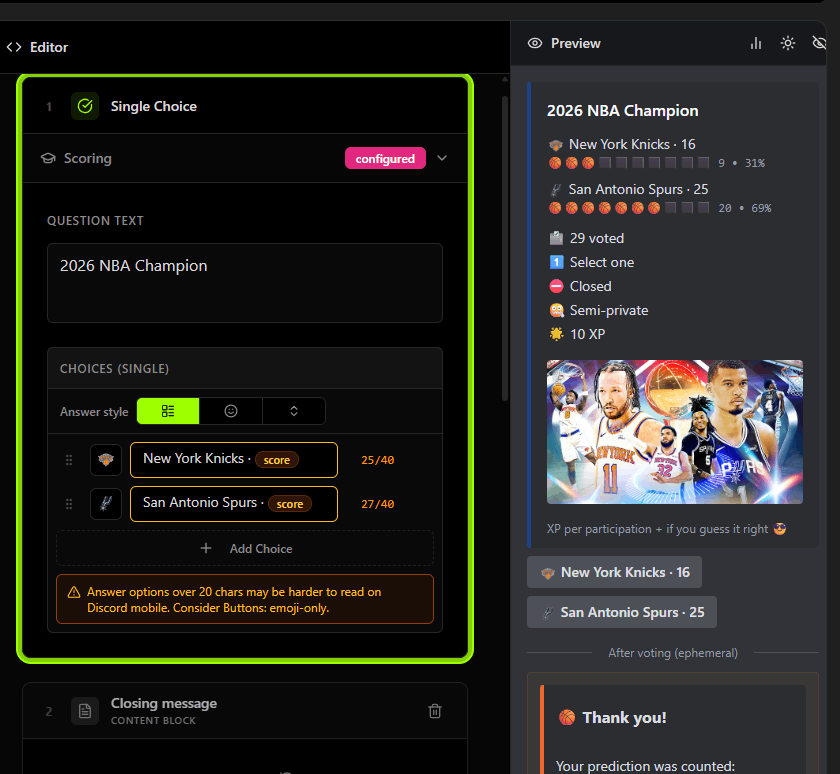
- Performance-based XP, straight from the web dashboard, edit menu or the
/pollcommand. Give custom XP or XP based on the score or correct score per option. If you don’t know the score yet (eg. prediction polls), reward the XP after the
A trivia night, a prediction contest… that’s a poll now!
Polls that give roles and badges
Polls can now do something when people vote:
- Conditional rewards: give server roles based on answers in a poll, for example in a welcome channel.
A more personalized experience
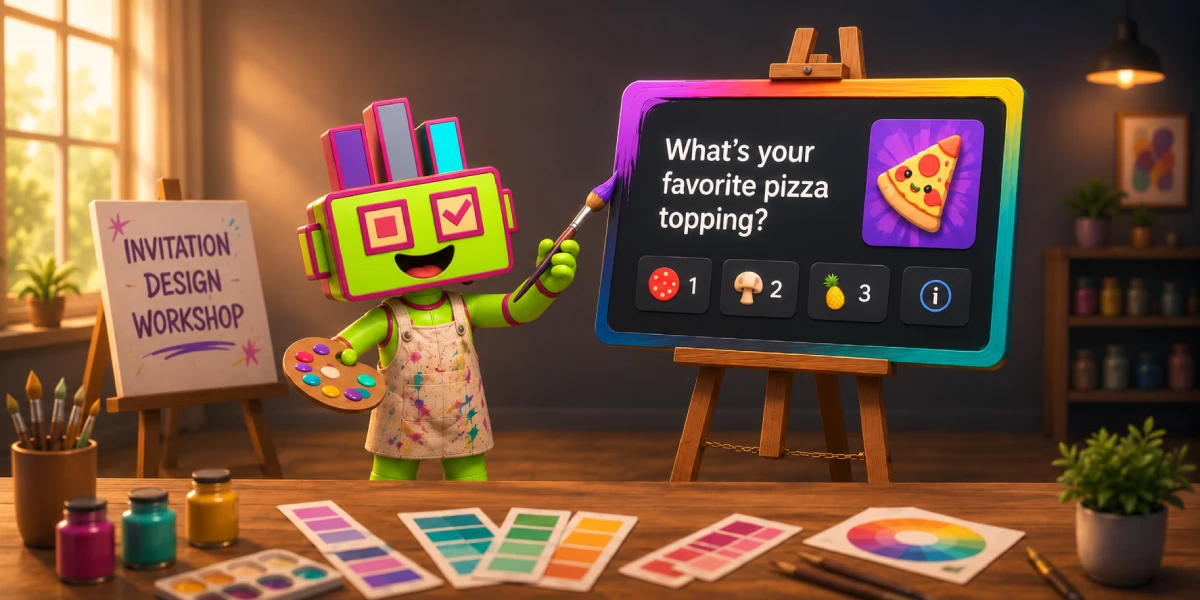
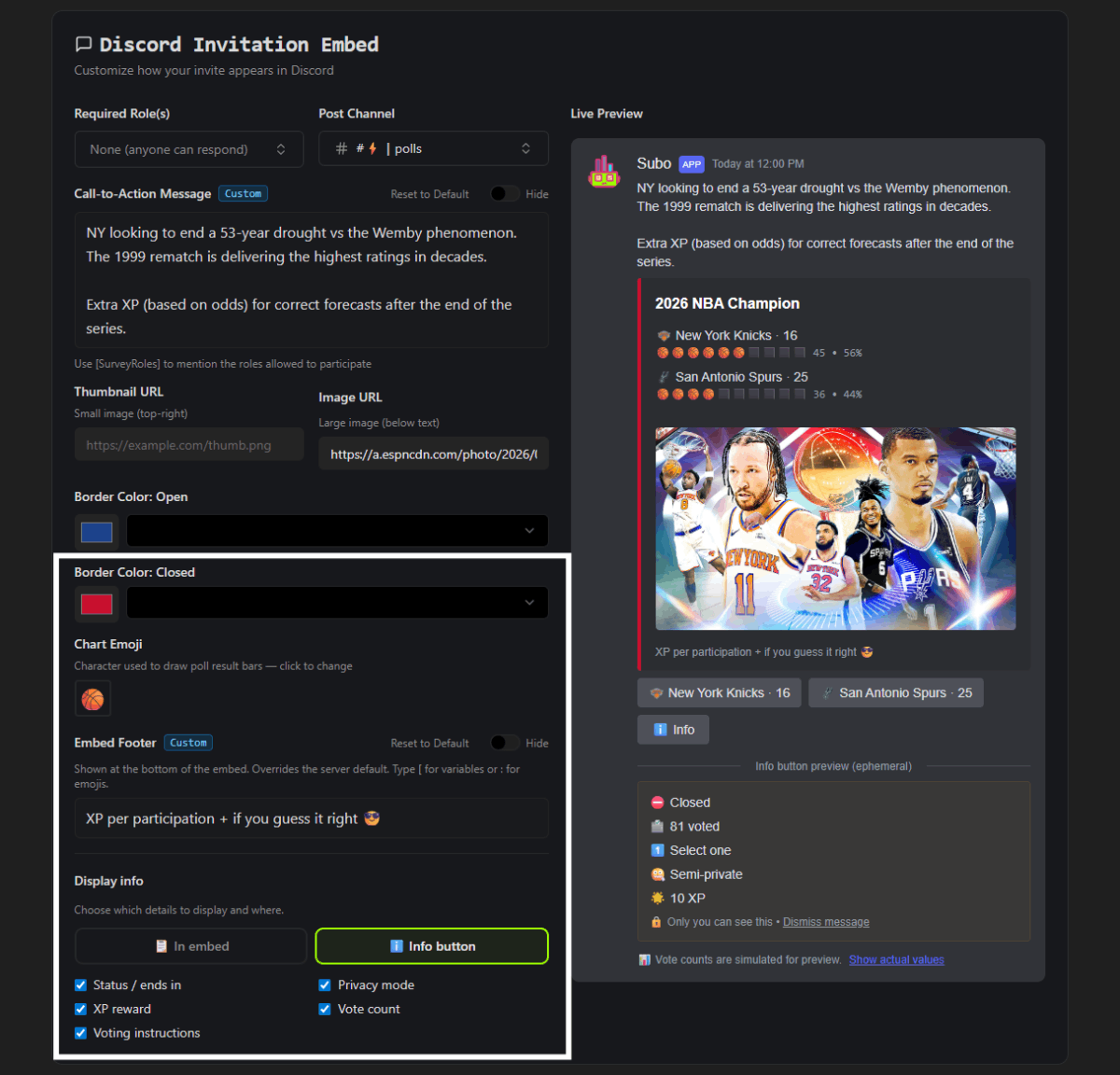
This is the other half of the release. The invitation embed, the thing that decides whether anyone answers at all, is now yours to design. So are post-voting messages.
- Server-level poll defaults: set your polls’ voice and behavior once for vote acknowldegement messages (new vote, vote changed, vote removed, etc), invitation call-to-action message, invitation footer, answer button (for surveys); every new project inherits it by default
- Custom answer buttons per survey with your own labels and custom emoji (Premium)
- Thumbnails and a footer you control for each invitation (Premium)
- Open and closed border colors: set a live color for free, and (Premium) a second color so a closed invitation looks visibly different
- Info rows and an info button: decide what info you want to show (Premium), now with the option to tuck all this info into an ephemeral popup, keeping the embed clean
You’re not posting a standard form anymore. You’re sending a personalized invitation.
And nicer to build, everywhere
A few touches that apply across polls and surveys alike:
- A post-vote preview so you can see exactly what a voter sees, right in the app’s Script Editor .
- Inline
:emoji picker in every script-editor field: type a colon, pick an emoji, keep going. - Inline
[variable picker in every script-editor field: type a bracket to display the variables that be dynamically piped into your poll/project. (Both pickers have since been joined by an@role picker and a hint bar that points at all three. See the three keys that write your messages for you.) - Default survey intros toggle and welcome message, so a new project opens in your voice instead. (The toggle is free; server-level defaut for custom intro message is Premium.)
- A live preview that better matches Discord: colors, markdown, bold, and emoji all render the way they’ll actually appear. (Free, always)
- Member management: add and remove badges and roles directly from the Members page and the Responses page. Members get a DM when you grant them a role by hand. And with XP History, both you and the member can see every point change, including manual adjustments, on the web and in Discord
- Option edits and ordering: we made it easier to edit options or change the order in which they appear. We even added a randomization option so that options which are not pinned are displayed in a different order for each respondent
Try it
- Go to the web app’s Settings page to update your defaults and messages.
- Create a poll, mark a correct answer, give the options some points, and dress up the invitation.
- Or start from a built one: the poll and quiz templates clone in a click, and the prediction poll recipe shows how score weights turn a poll into a contest.
Built something clever? Hit a rough edge? Drop it in our support server.